
Dice Hoarder Steam Deck: Verified Status and Settings
Dice Hoarder is not Steam Deck Verified at launch. Here is what the PC requirements mean for Deck, controller support and the settings to change first.
Dice Hoarder is not Steam Deck Verified at launch. Valve's compatibility endpoint returns no resolved rating, the store page lists Windows 10 64-bit only, and the minimum GPU is a GTX 1060 6GB — well above what the Deck's APU is usually asked to drive in an Unreal Engine 5 title. That does not make it unplayable, but it does mean Deck is a try-before-you-commit platform rather than a supported one.
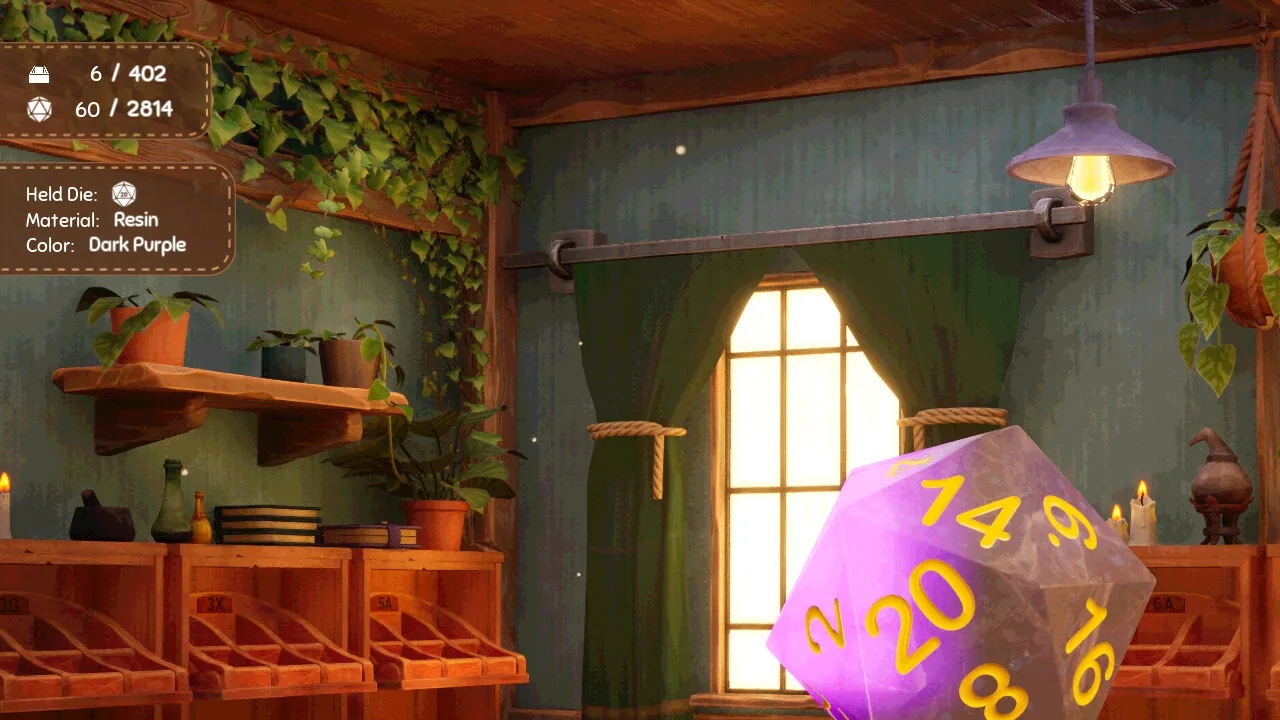
Is Dice Hoarder Steam Deck Verified?
No. At the time of writing:
| Signal | Value |
|---|---|
| Steam Deck compatibility rating | None resolved |
| Store platforms | Windows only |
| Minimum GPU | GTX 1060 6GB |
| Recommended GPU | GTX 1080 |
| Controller support | Partial |
| Engine | Unreal Engine 5 |
"None resolved" is not the same as "Unsupported" — Valve simply has not published a rating. Treat it as unknown, not approved.
What do the PC requirements mean for Deck?
The requirements are the real answer:
- Windows 10 64-bit only. No native Linux build, so Deck would run the Windows version through Proton.
- GTX 1060 6GB minimum. The Deck's GPU shares memory with the system and is weaker than a desktop 1060 in sustained loads.
- 8 GB RAM minimum. The Deck has 16 GB total, which helps, but shared VRAM cuts into it.
- 4 GB storage. Small enough that installing is not a problem on any model.
- DirectX 12. Proton's D3D12 translation layer (DXVK/VKD3D) is the part most likely to cost frames.
A 4 GB install and a cozy subject make Deck tempting. The GPU floor is why you should expect compromises rather than a locked 60.
Does Dice Hoarder support controllers?
Partially. Steam lists Partial Controller Support, and the launch feature post says controller support is built around Xbox controllers. The game is designed for mouse and keyboard first: you pick up individual dice, rotate them to inspect colour and material, and click small slots.
On Deck that maps to:
- Trackpads for picking and placing small objects.
- Right stick as a mouse fallback.
- Shoulder buttons for zoom and crouch once unlocked.
- Touchscreen for menu and computer use.
Expect to spend your first session tuning the layout rather than playing. The first-hour guide → covers the controls you will be rebinding.
Valve has not tested this build on Deck. "Unknown" means you are the test case, so tune settings before judging performance.
What settings should you change first?
The Day 1 hotfix added a Global Illumination toggle specifically to fix pitch-black environments on some hardware. That is your first stop on Deck:
- Launch through Proton, start Story Mode, and get into the shop.
- Open settings and turn Global Illumination off if the room is too dark or the frame rate dips.
- Lower resolution scale before lowering texture quality — UE5 shadow and GI costs dominate on Deck.
- Turn off motion blur and head bob (both are accessibility toggles).
- Enable the simplified UI if text is small in handheld.
- Set a 30 FPS cap and judge stability from there.
The hotfix also added a zoom toggle. On a 7-inch screen, zoom is not a convenience — it is how you tell Sunset Dreamer from Sunset solid resin.
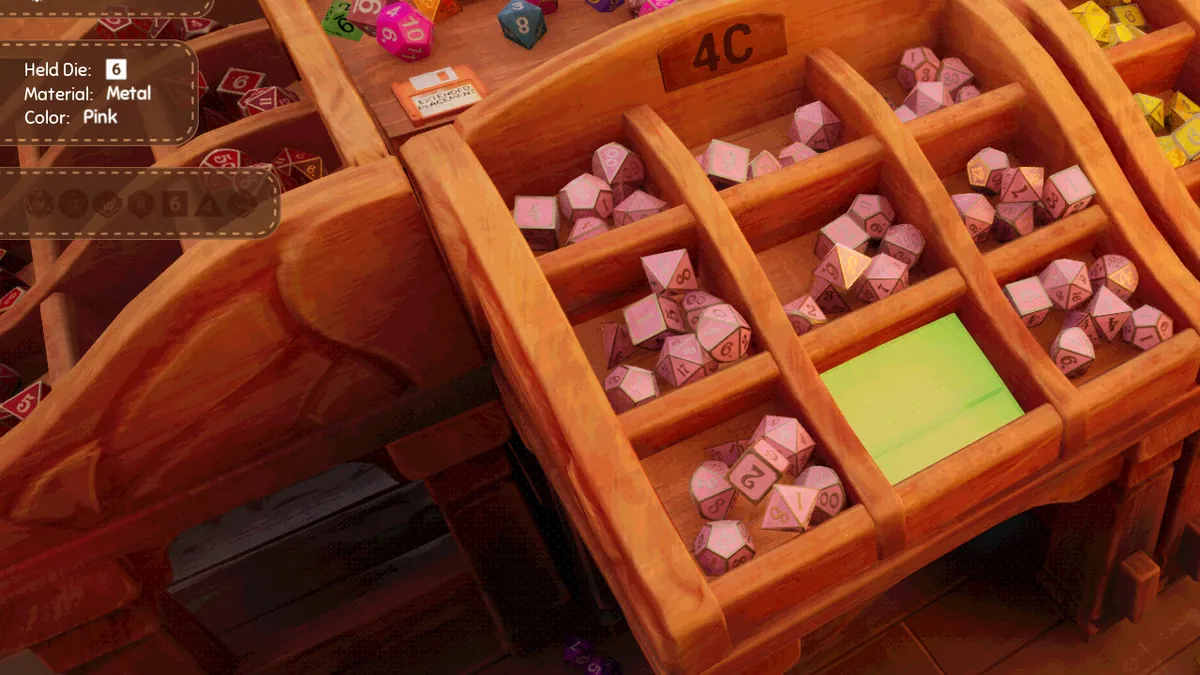
Is Dice Hoarder playable on Deck in practice?
Three questions decide it:
| Test | What to look for |
|---|---|
| Does it launch under Proton? | The store page does not block it; UE5 D3D12 games usually launch |
| Is 30 FPS reachable? | With GI off and reduced resolution scale, likely; not guaranteed |
| Are the controls workable? | Trackpads yes; long shifts are the risk |
The game has no timers, so a lower frame rate does not fail a run. The cost is comfort: sorting hundreds of small dice with trackpads is slower and more fiddly than a mouse. If Deck is your only PC, the game is still worth trying, but buy it knowing you are outside the supported configuration.
What about other handhelds?
The same logic applies to Windows handhelds such as the ROG Ally and Legion Go: they run the Windows build natively, so Proton is not a factor, but they sit near or below the GTX 1060 floor. Expect to use the GI toggle and a 30 FPS cap.
For comparison, the game's own recommended spec (i7-8700, GTX 1080, 16 GB) is a comfortable desktop target. A laptop with a 1060-class GPU will run it better than any handheld.
Should you buy it for Deck?
Buy it if:
- You already own it and want to sort in bed.
- You are comfortable tuning Proton settings.
- You treat it as a slow, no-timer cozy game rather than a 60 FPS target.
Skip Deck as your primary platform if:
- You want a Verified, zero-tweak experience.
- You dislike trackpad object manipulation.
- You expect desktop-level clarity on small dice details.
FAQ
Is Dice Hoarder Steam Deck Verified? No. Valve has not published a compatibility rating for it.
Does Dice Hoarder run on Steam Deck? It may run through Proton, but there is no official support and the GTX 1060 minimum is above the Deck's comfort zone.
Does Dice Hoarder support controllers? Partially, built around Xbox-style controllers. Mouse and keyboard remain the intended setup.
Why is the game so dark on Deck? Try the Global Illumination toggle added in the Day 1 hotfix, then raise brightness and lower resolution scale.
Official source: Dice Hoarder on Steam ↗, Launch times, price and features ↗, Day 1 Hotfix Patch ↗